
A lot has shipped since the summer. If you last saw Multiply a few months ago, this is the short version. Each section links to the detail, and the what’s new page keeps the running list.
Client workspaces that drive themselves
Every client workspace now does work on its own. Each week it researches the client’s market, trends and competitors, files what it finds with a source on every item, and proposes up to three pieces of work worth pitching, each with a draft brief and suggested deliverables. One click turns a proposal into a project. Read more.
Meeting recordings
Send the Multiply recorder to a Google Meet, Zoom or Microsoft Teams call. It joins as a guest, and the transcript lands in the client’s workspace, where every task and agent can draw on it. Read more.
Gmail and Outlook
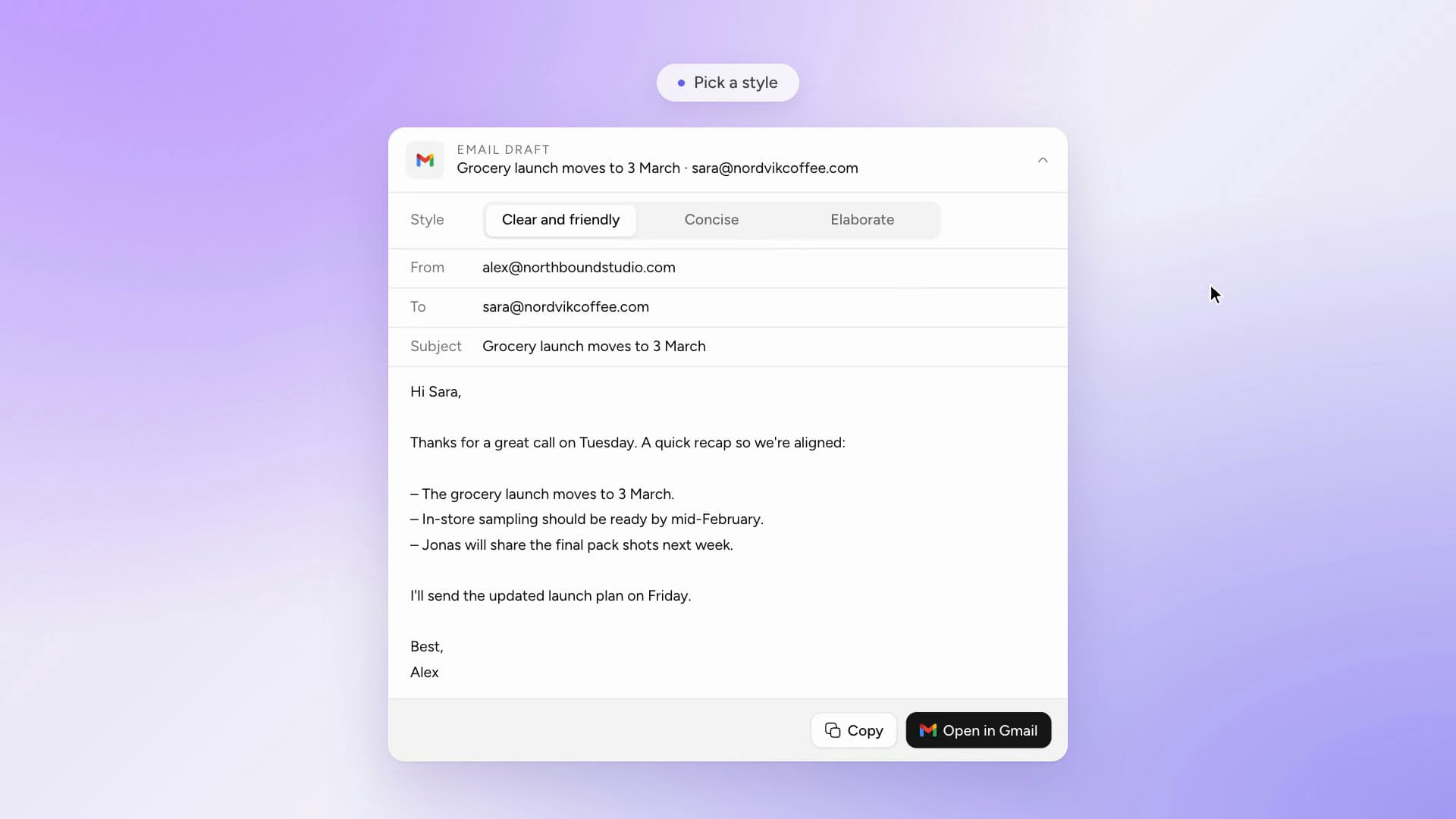
Connect your inbox and Multiply can search threads, read attachments and calendar invites, and draft replies that open in your own mailbox. It never sends anything for you. Read more.
3,000+ integrations
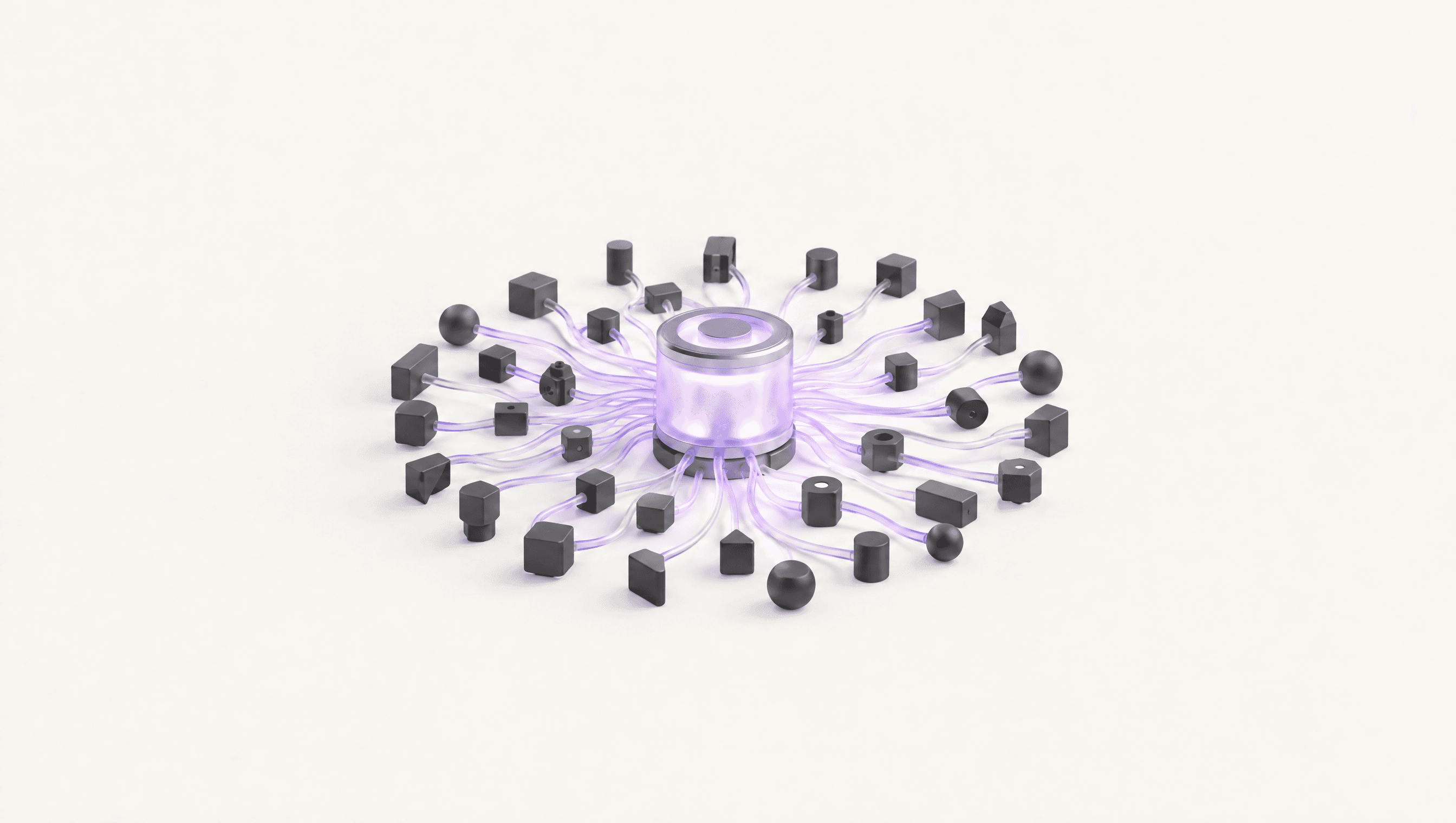
Connect HubSpot, Google Calendar, Notion and thousands of other apps, for the whole organisation or just for yourself, and ask about their data in any task. Search the full list.
Intelligence areas
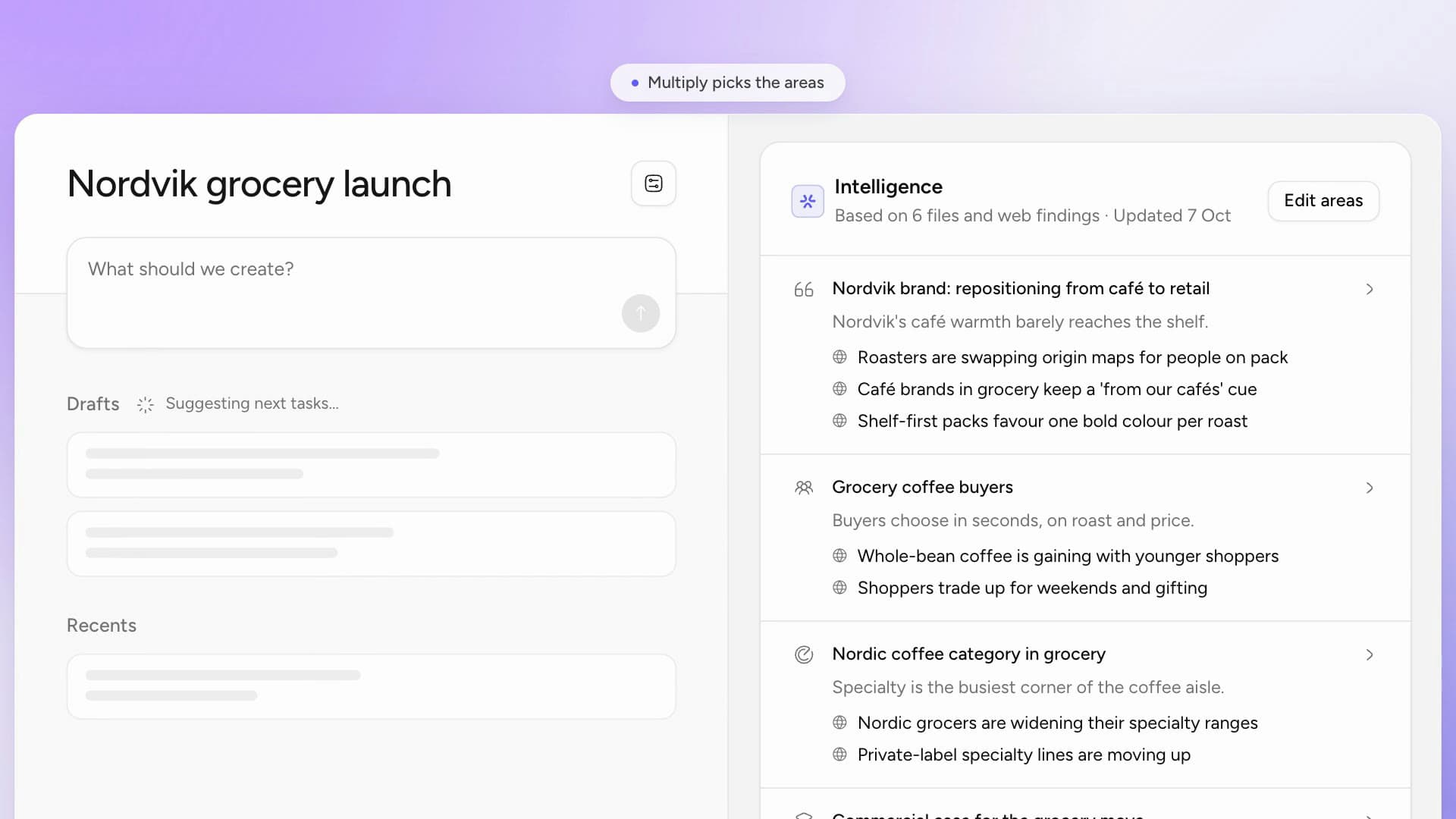
Every project now gets analysts picked for its brief. Multiply chooses one to four custom intelligence areas, each of which reads the project’s files, searches the web for what they leave out and keeps its section current. Read more.
Coming soon: MCP
Next, Multiply opens up the other way. Through MCP you will be able to connect Claude, ChatGPT or any MCP client to your workspaces, projects, tasks and files, so whichever assistant someone prefers, it works from the same client context. More on MCP.
Also since the spring
- Workflows: instructions that run daily, every weekday or weekly, with each run landing as a task.
- Connected work: tasks that draw on their organisation, workspace and every other project in it.
- Briefs you can edit, regenerate and download as PDF or Word.
Want to see it on one of your own clients? Book a walkthrough.