Agency work happens in email. Briefs change in a reply-all, feedback arrives as an attachment, and the real deadline is in a calendar invite. An AI tool that cannot see the inbox is missing half the account.
Multiply now connects to Gmail and Outlook. Go to Integrations, pick your provider and sign in. Connect more than one inbox if you work across several.
What you can do with it
- Search threads, read attachments and see calendar invites inside a task: “Summarise everything the client has sent about the Q3 launch.”
- Draft replies in a few different styles, then open the one you like in Gmail or Outlook.
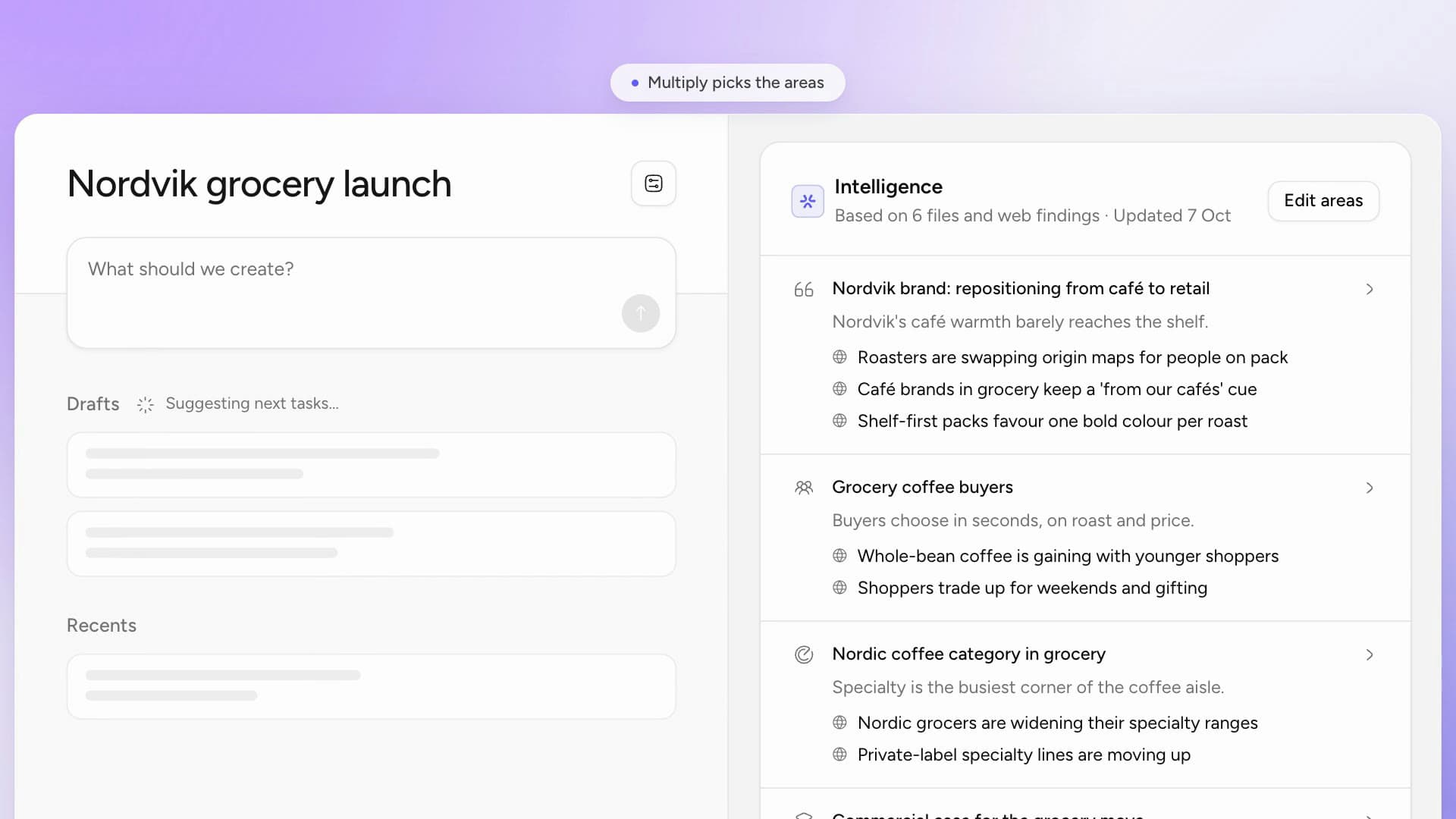
- Combine the inbox with the rest of the client’s workspace, so one question draws on email, files and meeting transcripts at once.
Multiply never sends anything
Drafts open in your mailbox for you to edit and send. Nothing goes out on your behalf. Your email connection is personal, and searching it happens in your own tasks.
It also helps with the oldest onboarding problem in agencies: a new account manager can ask what has been agreed with a client and get an answer, with the threads it came from. More on Gmail and Outlook.