
What’s new in Multiply
Everything we ship, in order of when it was released. Follow this page to stay updated with our progress.
What we shipped newest first
New features and product updates, with a link to the detail on each one.
- Coming soonComing soon
MCP for Claude and ChatGPT
Connect Claude, ChatGPT or any MCP client to Multiply and work from your workspaces, projects, tasks and files without leaving the assistant you already use.
More on MCP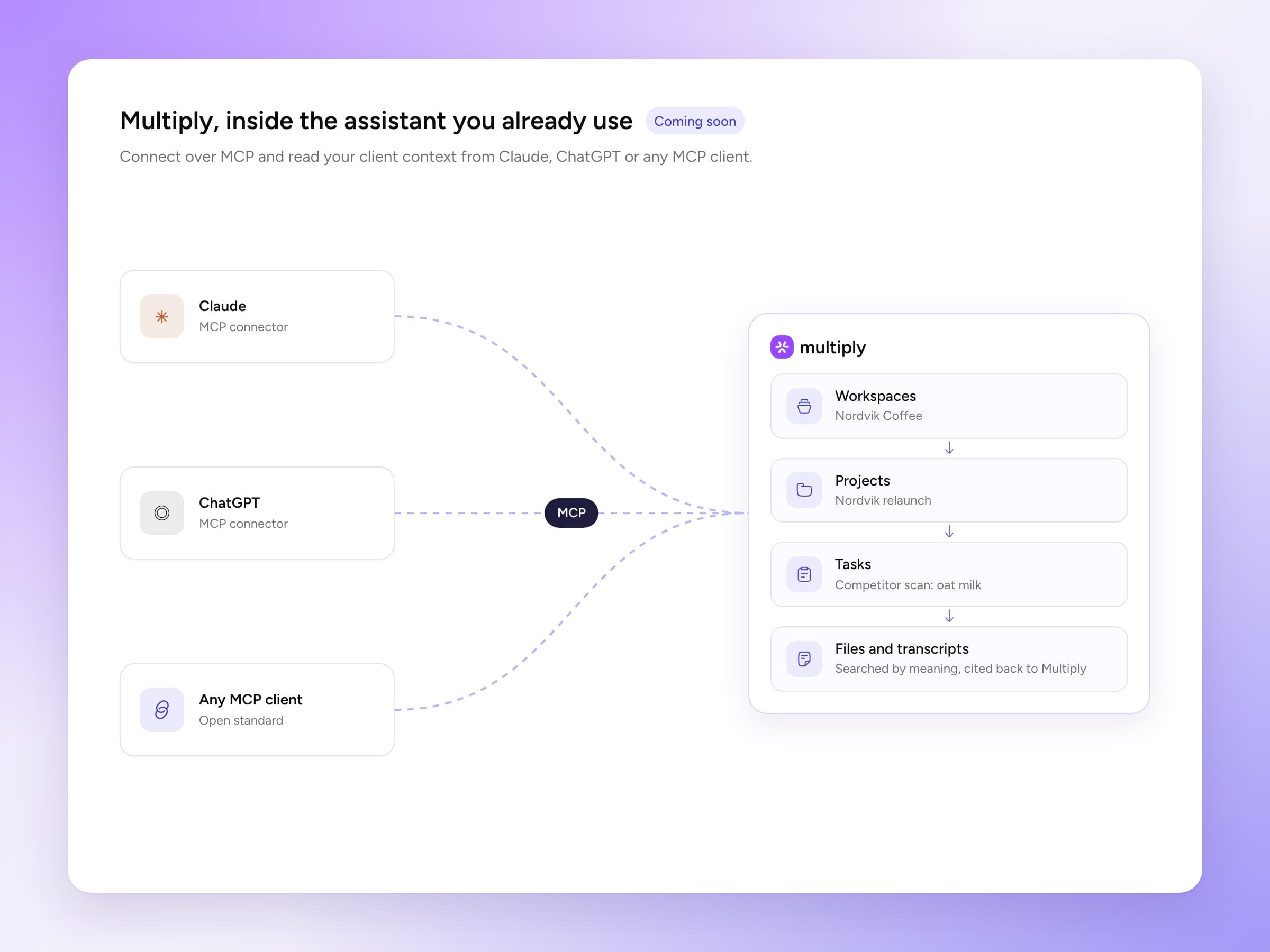
- Update
Draft emails in Gmail and Outlook
Ask for a reply and Multiply writes it in a few styles. Open the one you like in your own mailbox, edit it and send it. Nothing is ever sent for you.
Gmail & Outlook - Update
Citation previews
Hover an inline citation to see the source behind it without leaving the answer.
- Update
Workspaces refresh when files land
Upload new files to a workspace and its research and brief proposals run again, so they always reflect the latest material.
- Update
Private tasks with project context
Keep a task to yourself and still give it a project’s brief, files and intelligence to work from. Share it with the project when it is ready.
- New
3,000+ integrations
Connect HubSpot, Google Calendar, Notion and thousands more, for the whole organisation or just for yourself, and ask about their data in any task.
Search every integration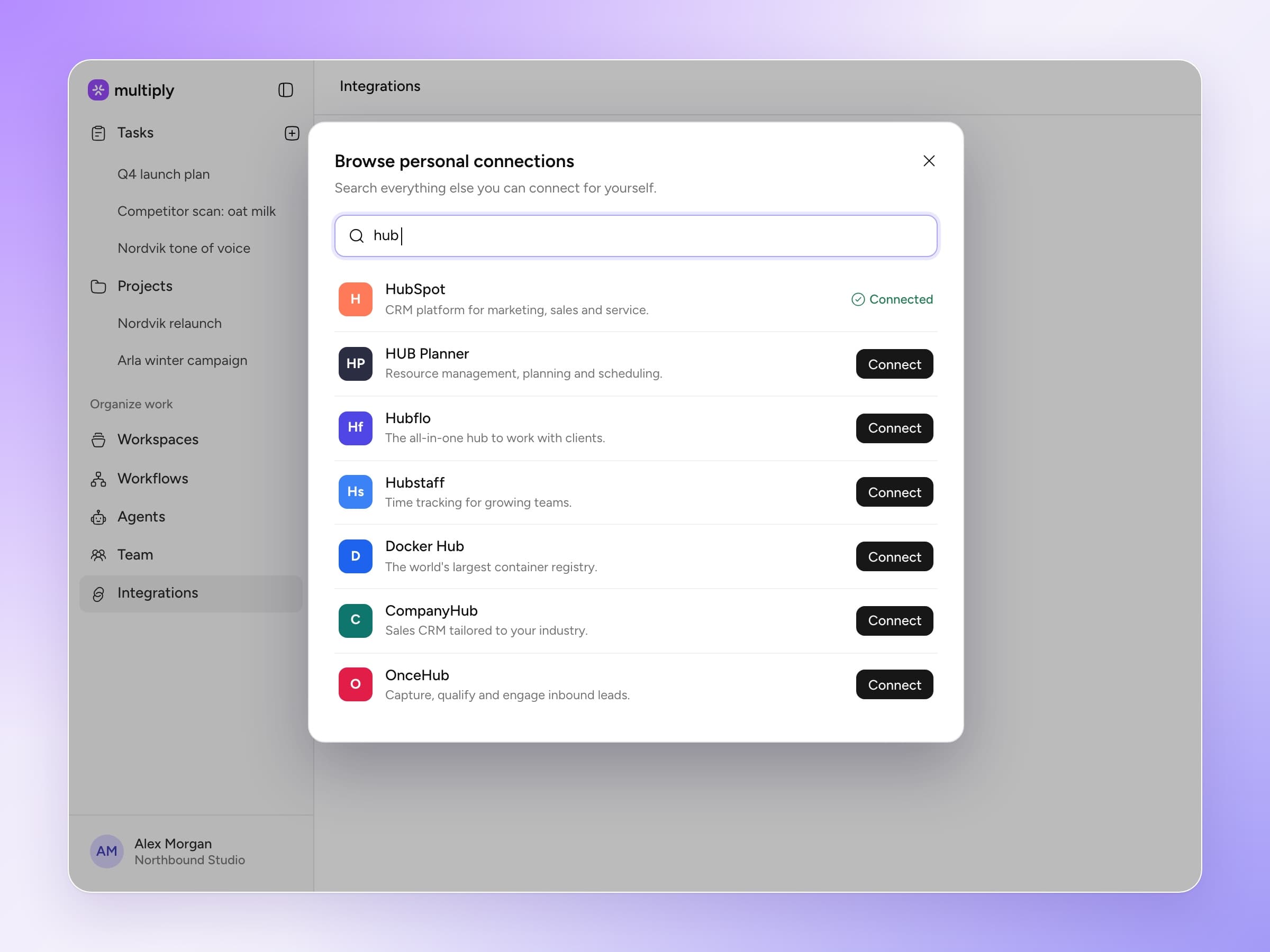
- New
Outlook
Connect an Outlook mailbox and agents can search threads, read attachments and see calendar invites, just like Gmail.
Gmail & Outlook - New
Intelligence areas
Every project gets analysts picked for its brief. Multiply chooses up to four custom areas that read your files, search the web and keep their section current. Add more from a catalogue of fifteen.
More on intelligence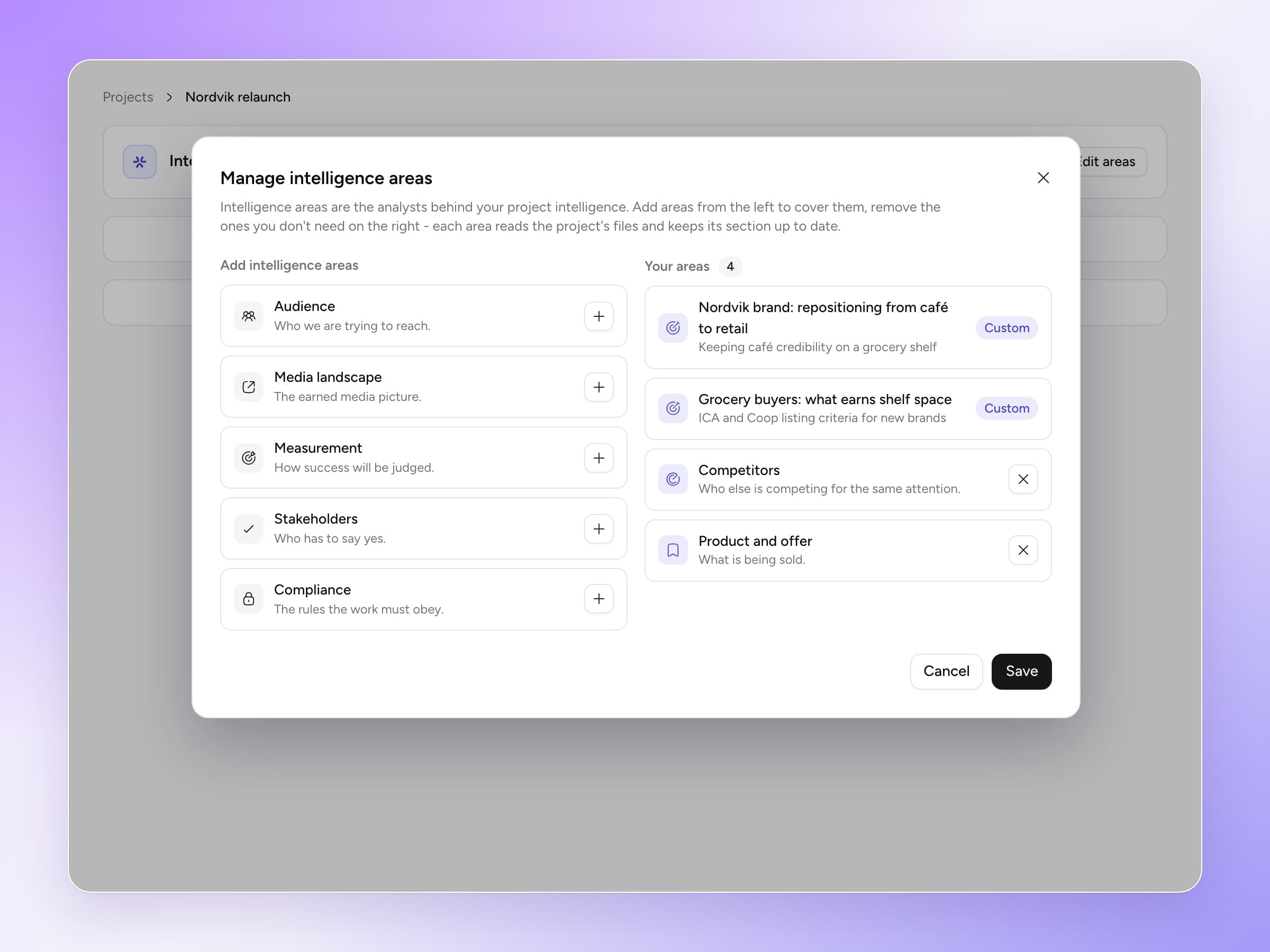
- New
Use Multiply in Slack
Admin users can now connect Multiply to their Slack and enable it in various channels.
- New
Meeting recordings
Send the Multiply recorder to a Google Meet, Zoom or Teams call. The transcript lands in the client’s workspace, where every task and agent can use it.
How meeting recordings work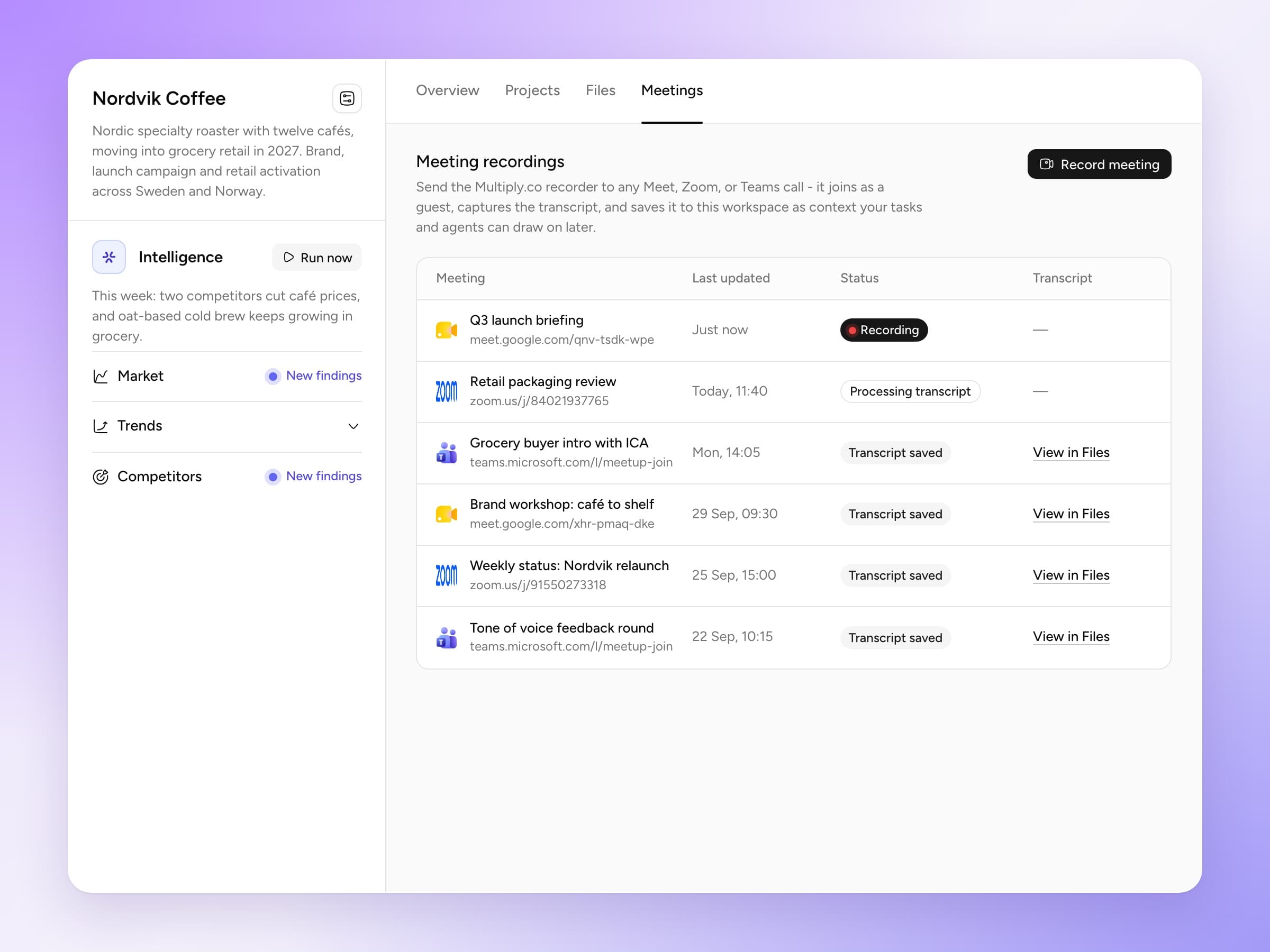
- New
Client news
Every workspace researches its client’s market, trends and competitors each week and files what it finds with a source on every item. A New signals card shows what changed.
More on workspaces - Update
Start a project from a proposal
Explore a brief proposal, adjust the brief, pick the deliverables and press Start project. The project opens with the brief written and a draft task per deliverable.
- New
Gmail
Connect Gmail and agents can search your threads, attachments and invites inside any task.
Gmail & Outlook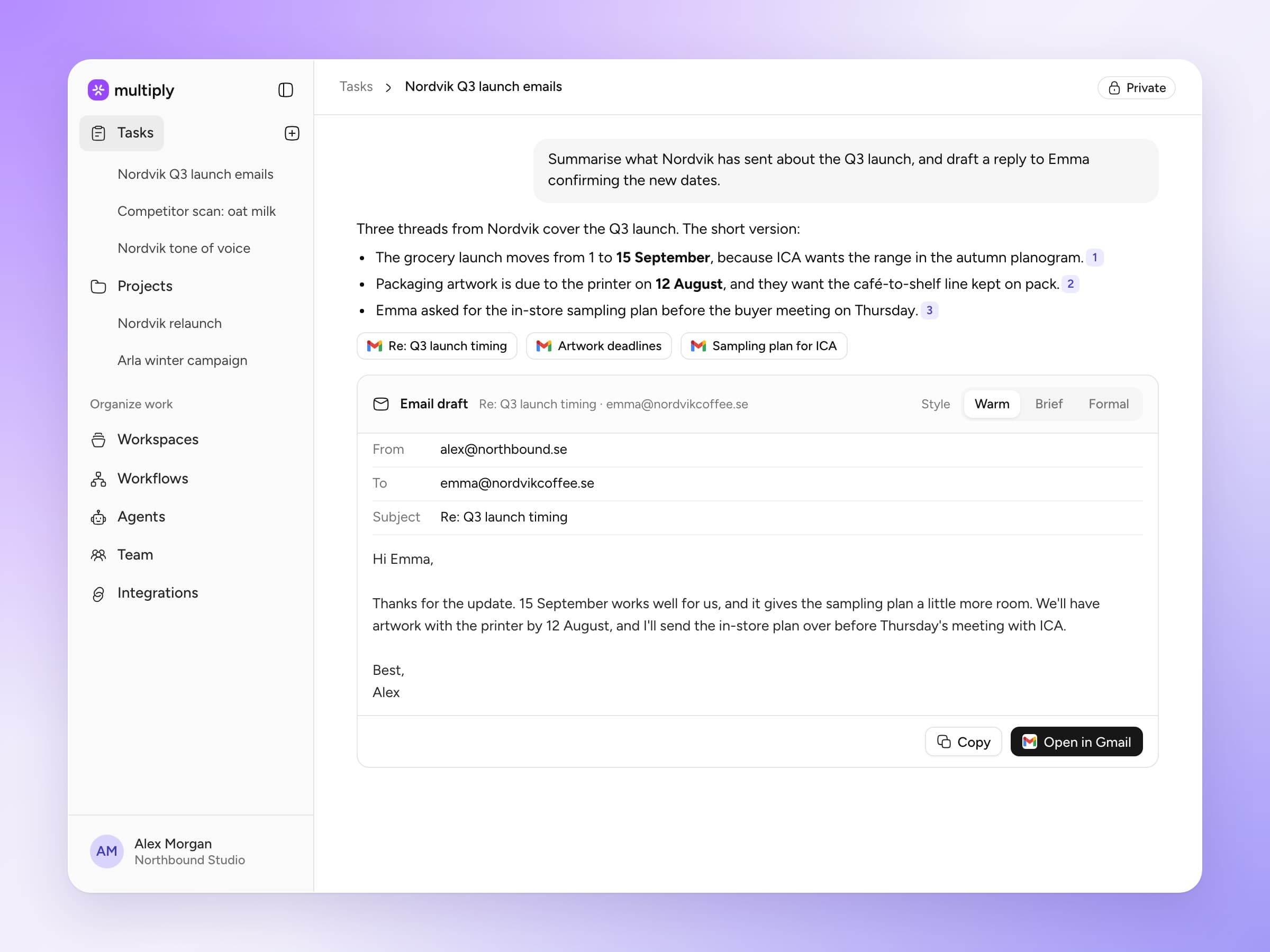
- New
Unique ads database
Research draws on an archive of around 150,000 advertising campaigns, with campaign images and citations in the answer.
- New
Brief proposals
Each week every workspace proposes up to three pieces of work worth pitching to that client, each with a draft brief, suggested deliverables and its sources.
More on workspaces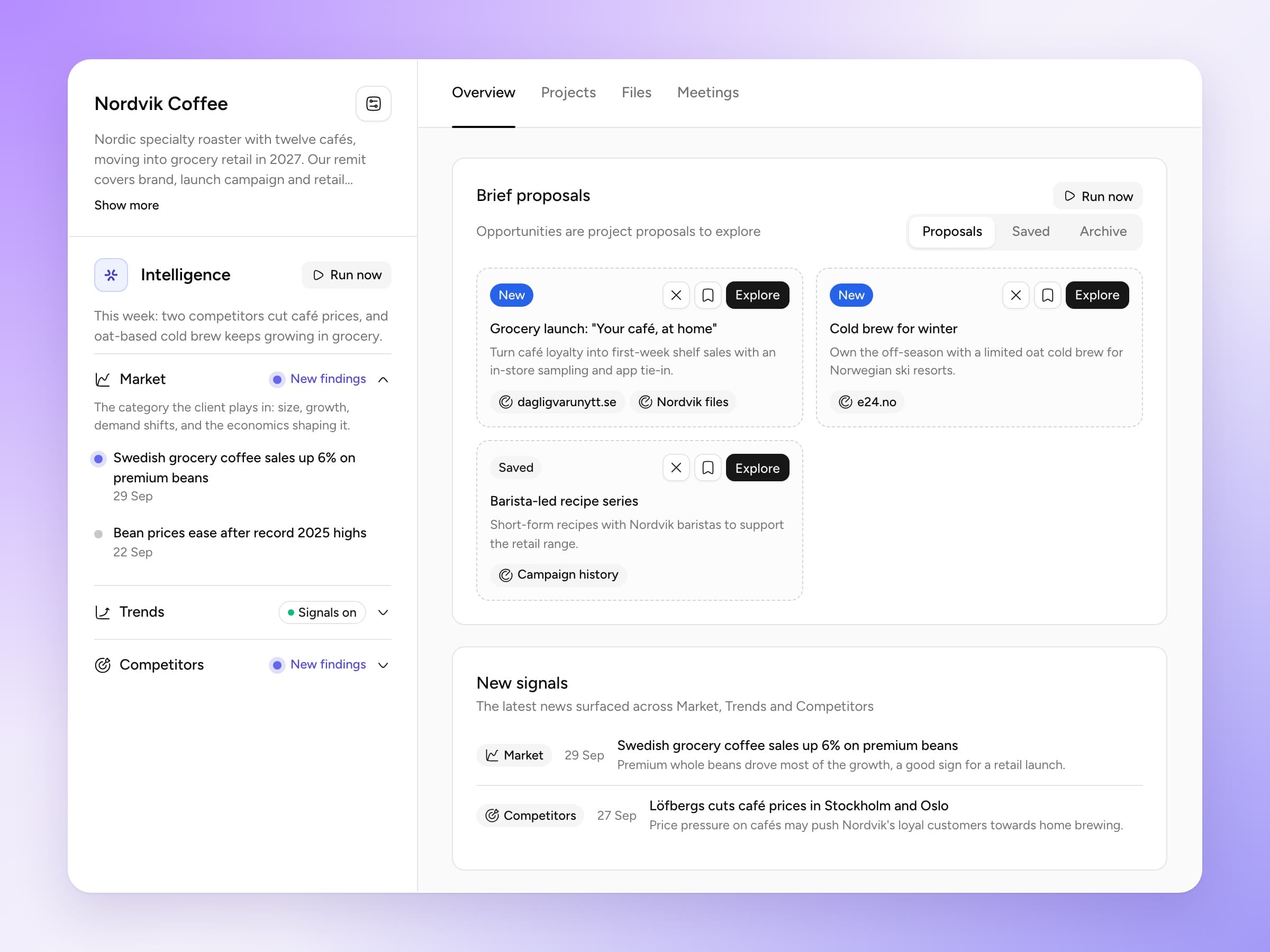
- New
Connected work
A task can draw context from its organisation, its workspace, its project and every other project in the same workspace, and point to the exact section that matters.
Read the launch note - New
Workflows
Write an instruction once and Multiply runs it daily, every weekday or weekly. Each run lands as a task, ready to read.
More on workflows
See it on one of your own clients
Bring one client to a 30-minute walkthrough and see what Multiply researches and proposes for them.