

Gmail & Outlook

Your inbox, in every task

Connect Gmail or Outlook and Multiply can search your threads, read attachments and calendar invites, and draft replies. Drafts open in your mailbox. Multiply never sends anything for you.

In a task

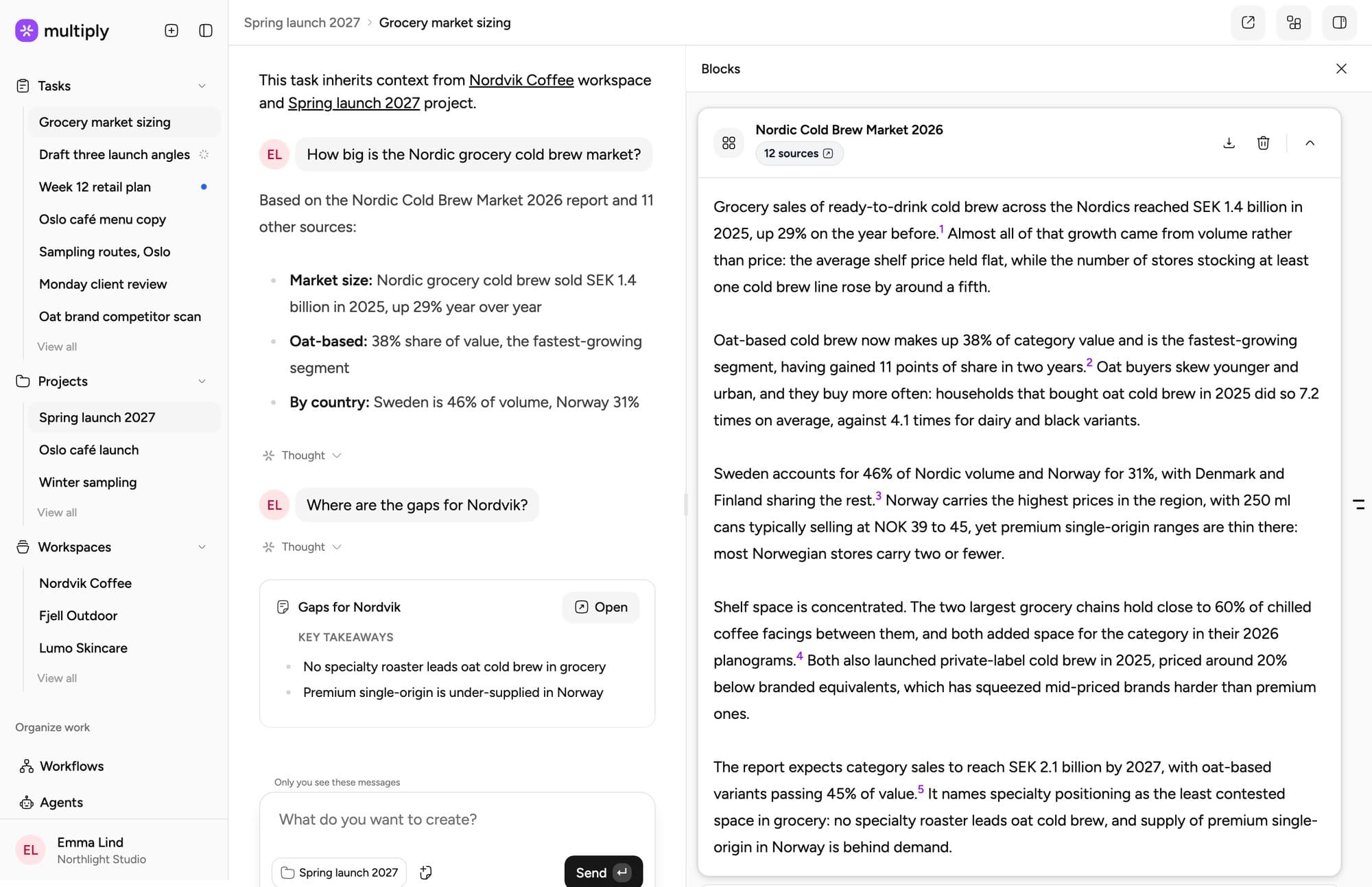
Ask your inbox, get an answer with sources

Multiply searches the client’s threads, reads the attachments and cites every email it used. Ask for a reply and it drafts one you can copy or open straight in Gmail.

Multiply task answering from Gmail threads, with cited emails and a drafted reply that opens in Gmail

How it works

Connected in a minute

01

Connect

Go to Integrations, choose Gmail or Outlook and sign in. Work across several inboxes? Connect each of them.

02

Ask

In a task: “Summarise everything the client has sent about the Q3 launch.” Threads, attachments and invites are all in scope.

03

Draft

Ask for a reply and Multiply writes it in a few styles. Open the one you like in Gmail or Outlook, edit it and send it yourself.

Integrations

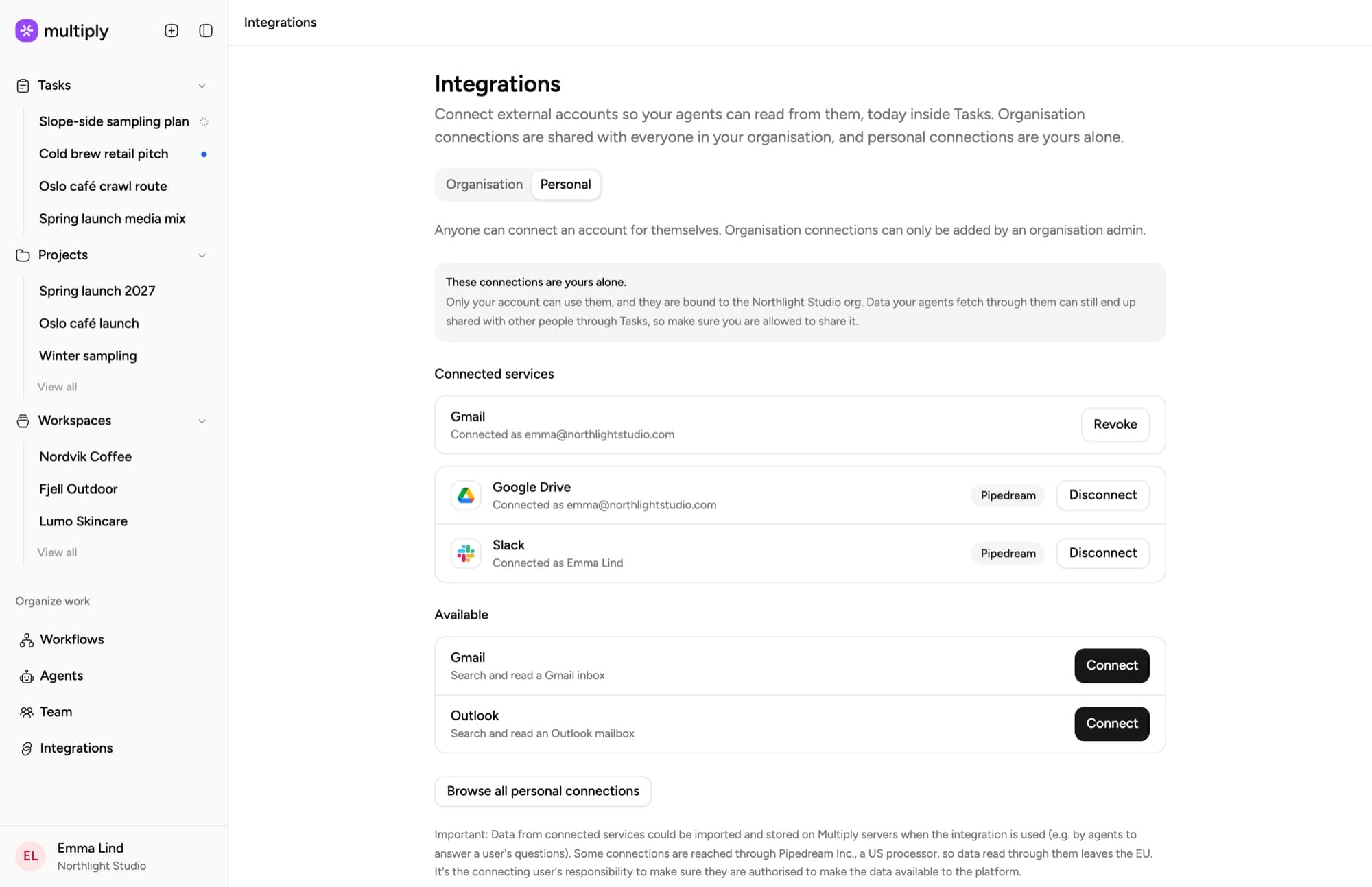
Connect Gmail or Outlook in a click

Connect from Integrations, under Personal. Your inbox stays yours: email connections are personal, and you can revoke one at any time.

Multiply Integrations page — Gmail, Outlook, HubSpot and Google Calendar connected as personal connections

Where client work actually happens

Briefs change in a reply-all. Feedback arrives as an attachment. The real deadline is in a calendar invite. Until now, an AI tool saw none of it unless someone copied it in by hand.

With your inbox connected, the email trail sits alongside the client’s workspace: the brand, the files, the meeting transcripts and the projects. Ask a question once and the answer draws on all of it.

It also fixes the oldest onboarding problem in agencies. A new account manager can ask what has been agreed with a client, and get an answer with the threads it came from.

FAQ

Email questions

See your inbox working for you

Bring a real client thread to a walkthrough and watch Multiply turn it into a summary, a next step and a draft reply.