A lot of the most important things a client says, they say on a call. Then it lives in someone’s notebook, or in a notetaker summary nobody opens twice.
Multiply now records meetings. Open the client’s workspace, go to Meetings, paste a Google Meet, Zoom or Microsoft Teams link and add a title. The Multiply recorder joins as a guest. Let it in from the waiting room, and when the call ends the transcript is saved with the client’s files, with a title and a summary.
A transcript is context, not a summary
The difference from a standalone notetaker is where the transcript ends up. In Multiply it sits next to the brief, the brand guidelines and every past project for that client, so it becomes context from that moment on.
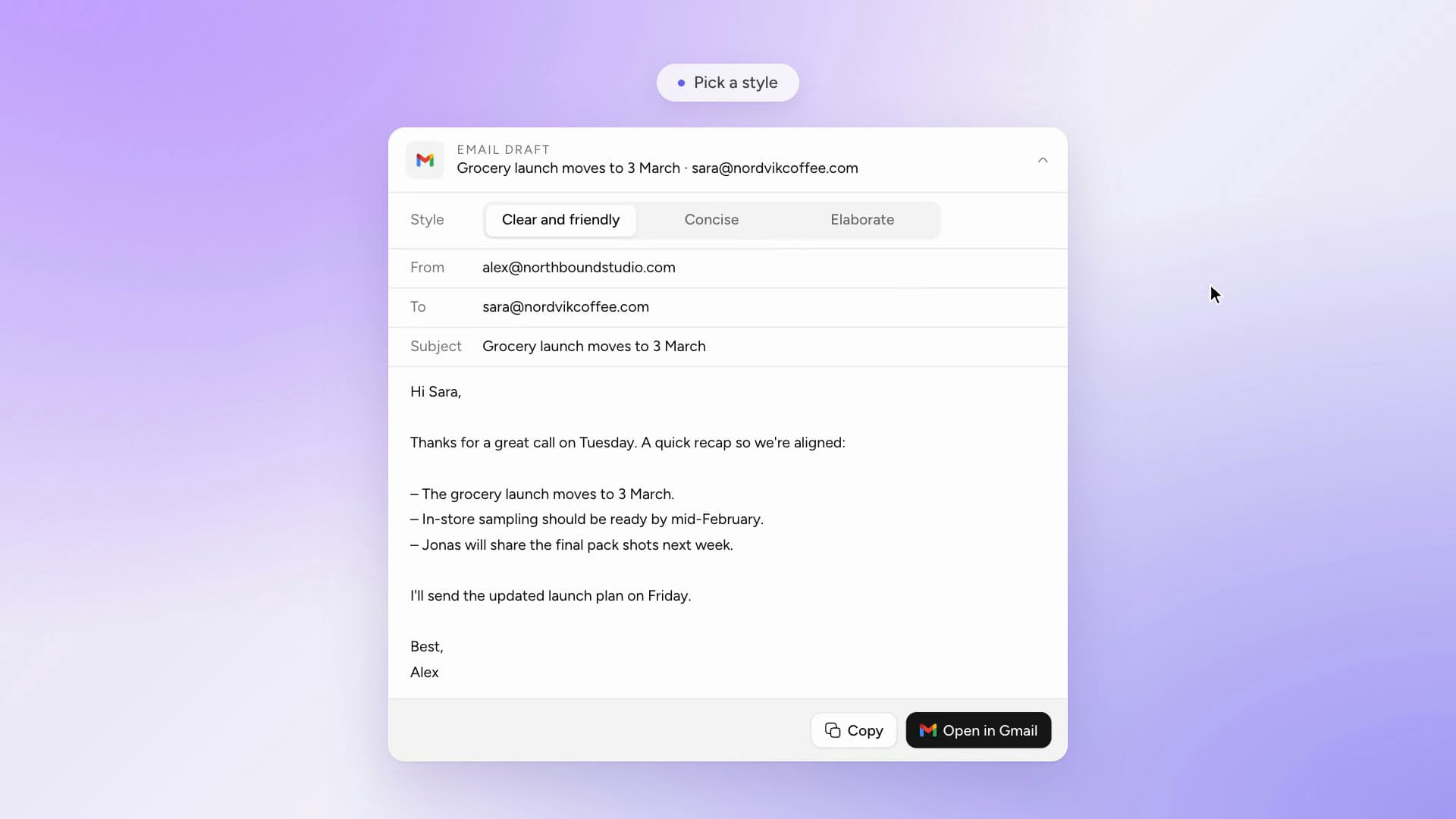
Ask in any task: “What did the client say about the launch date in Tuesday’s call?” The next brief, the next research task and the next project all start from what was actually said.
It is most useful on the days nobody planned for: a new teammate joining the account, a client asking why a direction changed, a pitch that needs the line from three calls ago. How meeting recordings work.