
Competitor scanNordvik Coffee
09:00
Recurring work, on a schedule
Hand over a job once and set it to run daily, weekly or monthly. It uses every agent and tool, and lands in the right workspace.

Every account carries work that must happen on a cadence and never gets prioritised: the weekly scan, the status roll-up, the check nobody has time for. Multiply runs these as workflows on a daily, weekly or monthly schedule, autonomously, and reports back as a normal task — so the recurring work stops depending on someone remembering it.
Not because anyone is careless: because a task with no deadline always loses to a task with one. So the weekly check happens in month one, sporadically in month two, and turns into a scramble before the quarterly review. The cost is invisible until a client asks a question the agency should already have known the answer to.
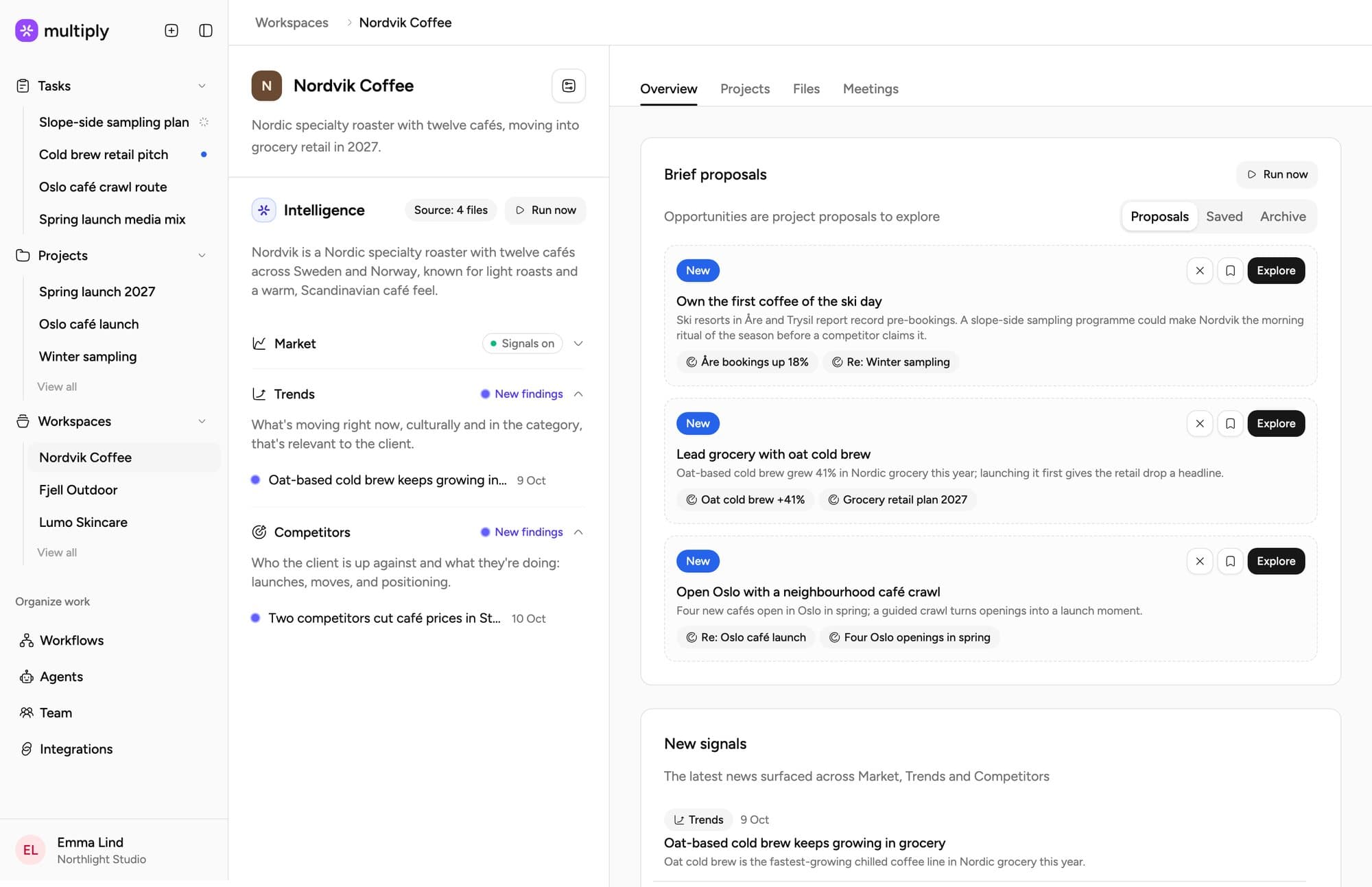
Hand over a job once and set it to run daily, weekly or monthly. It uses every agent and tool, and lands in the right workspace.
Jonas Week 12 is fine if the retail drop moves with it.
Emma Then the sampling plan comes first.
Jonas Agreed. Can we see it by Friday?
Multiply joins the call, transcribes it and saves it to the client's workspace, so the next brief starts from what was said.
Trial is the key driver of repeat purchase behaviour. Oat range sales rose 18% in Q3, led by the Stockholm stores. We recommend leveraging in-store activation to optimise momentum and prioritise trial.
Set your agency's profile and instructions once. Every agent follows them, in every workspace and every task.
You write the instruction; Multiply runs it on the cadence you set using the agents and tools available to it. There is no separate automation language to learn.
Attach it to the workspace or project it concerns, so it runs with that client’s context rather than generically.
Workflow runs are autonomous — the point is that they happen while nobody is watching. Normal chats and tasks still propose a plan and wait, and a run that genuinely cannot proceed asks a clarifying question rather than hanging.
Runs land as tasks on the project with sources attached, so a result can be read, edited, forwarded or exported like anything else.
The instruction is the whole craft here. A workflow told to report on everything gets ignored within a fortnight; one told to report only when something crosses a threshold you actually care about earns its place. Run one workflow for one client for a month before copying it across the roster — the month tells you whether the instruction was any good, and that is the part worth iterating on.
Two neighbours worth reading: market and competitor monitoring is the most common first workflow, and client reporting is the most common second one.
Related: the product for how the pieces fit together, multi-client operations for running several of these at once, agency operations for the underlying idea, and the other use cases if recurring work is not the job you want to start with.
“It has already had a profound effect on not only the efficiency but the efficacy of our work at Manifest.”


“I was able to execute a short proposal in around 30 minutes… I shared a first draft with the team and they had no notes.”

“I find that it's much better than ChatGPT. The answers are deeper and more professional.”

“That's the beauty of Multiply - being able to say what the researcher, strategist, and copywriter agents think. I think Multiply is quite useful, especially for strategists.”

“Working with Multiply has changed how we gain knowledge and insights into our clients’ markets.”

“Multiply helps us quickly identify which customers to prioritise and why. This has saved me hours of research time…”

“The platform automatically uses the relevant agents, which makes our life quite easy.”

We will write your first workflow with you, against a real account.
Daily, weekly and monthly. Available to all customers, not behind a trial flag.
Output lands as a task with sources rather than going anywhere client-facing, so a person reads it before it matters. Autonomy here is about the run happening, not about the result being sent.
The pattern that works is one per client per job, added deliberately. The pattern that fails is twenty added in the first week, because nobody reads twenty reports and the whole set gets muted together.
Whatever came to mind reading this is the right first workflow. Bring it to the walkthrough.