
A ChatGPT alternative built for agency work
Agencies looking for a ChatGPT alternative are rarely unhappy with the model. They are running ChatGPT — often with Projects and custom GPTs set up by a consultant — and hitting the limits of a tool designed around one person and one conversation: nothing accumulates for the agency, there is no structural separation between clients, and the capability belongs to whoever built it. Multiply is an agency operating system rather than an assistant: client workspaces, agents the agency owns, and scheduled work that runs without being prompted.
ChatGPT is the incumbent, not the weak option
Projects, custom GPTs and Enterprise workspaces cover a surprising amount of ground, and a well-built prompt library produces good work. Treating it as a toy is the mistake most comparison pages make. It is a real, working, already-paid-for setup with someone internally invested in it — which is exactly why displacing it takes an argument about the agency rather than about the model.
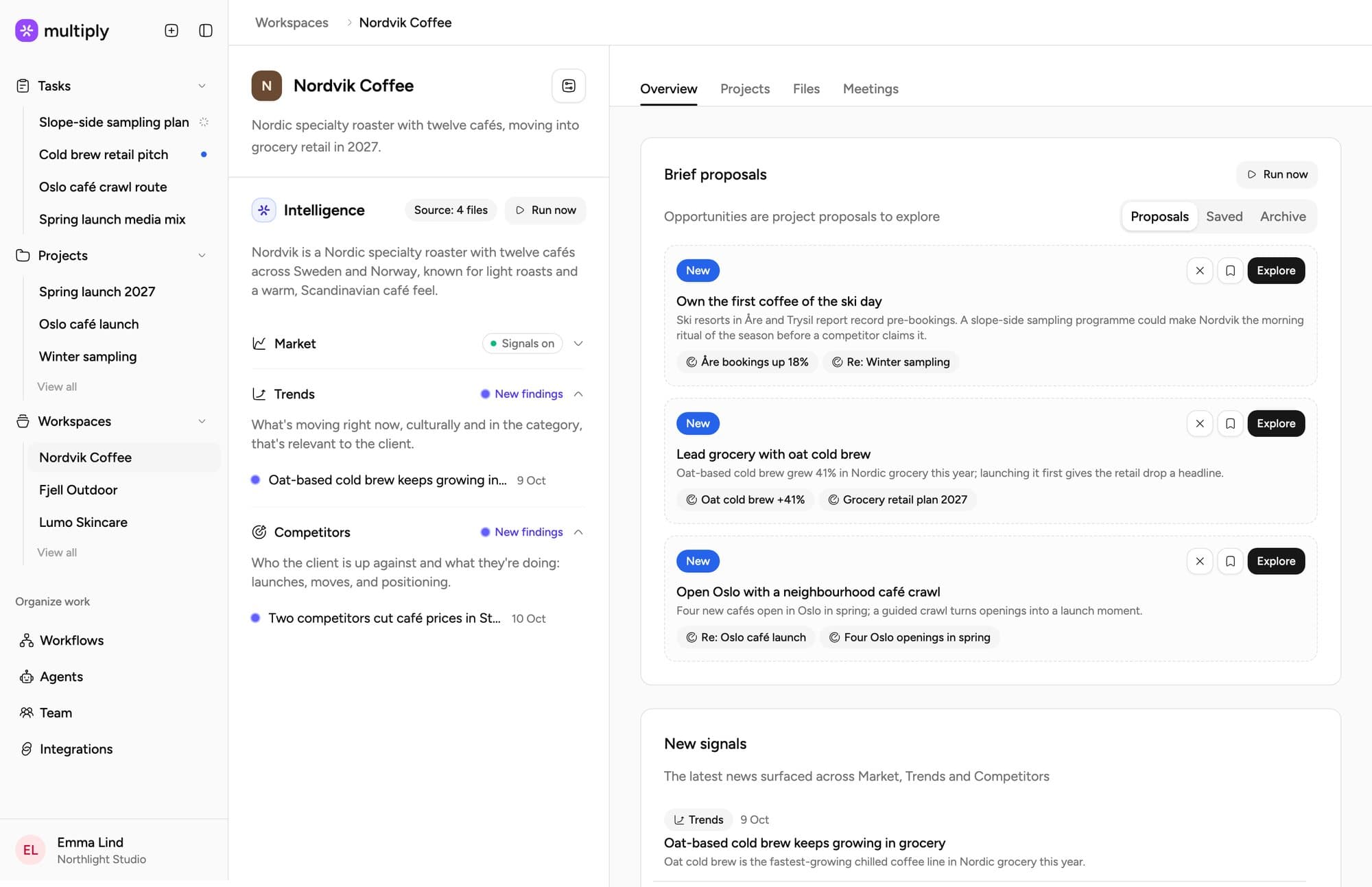
Side by side
Read the left column as a real setup rather than a strawman: it is what most agencies evaluating us are running, and it works. The rows are the places it stops being enough as an agency rather than as an individual.
| ChatGPT + a consultant | Multiply | |
|---|---|---|
| Agency workflows | PartlyManual, rebuilt each session | YesBuilt in |
| Client separation | NoNone in the architecture | YesA workspace per client, context inherits downward |
| Who owns the setup | PartlyThe consultant who built it | YesThe agency — agents are centralised and yours |
| Does it compound | NoNo — prompts live in chat histories | YesYes — insights flow back to the client workspace |
| Runs unprompted | NoNo | YesScheduled workflows, daily to monthly |
| Data posture | PartlyVaries by plan and by who set it up | YesGDPR, ISO 27001 in progress, no training on your data |
Where it actually shows up in agency work
Feature grids tend to agree with each other. These are the places the categories genuinely diverge.
Nothing compounds
Prompts live in individual chat histories and individual heads. The agency pays for the learning and does not own it — so the second project for a client starts roughly where the first one did.
No structural client separation
There are no client workspaces, no per-client context inheritance, and no defensible answer to a procurement question about where one client’s material sits relative to another’s. In agency work that is a governance problem, not a tidiness one.
The consultant is the system
When the person who built the prompt library leaves, the capability leaves with them. The agency has been renting its own process, usually without framing it that way.
Nothing runs unless someone asks
A chat interface waits for a prompt. The recurring account work — monitoring, reporting, the weekly scan — only ever happens if a person has a spare hour, which is why it does not happen.
When to stay on ChatGPT
If the agency is small enough that everyone already shares context by talking to each other, if client confidentiality is not contractually constrained, and if the value you are getting is individual productivity rather than institutional capability — stay. Adding a platform to that is overhead, and we would rather say so.
It also is not either/or in practice. Plenty of agencies keep general assistants for individual work and run client operations on Multiply. The two questions worth answering before switching anything: does the work need to accumulate for the agency, and does client material need to be provably separated?
What to compare on
Not output quality on a single prompt — both will look fine. Compare what exists a month later, and whether the second project for a client starts warmer than the first. The buyer's guide sets out all six categories, and multi-client operations covers the client-separation half specifically.
Common questions
Bring your existing setup to the walkthrough and run the same brief through both.
The difference is context and continuity rather than the model. A general assistant starts from nothing every session; Multiply works from what the project and client workspace already contain, keeps sources attached, and can run the same job again next week without being re-briefed. The structure — organisation, client workspace, project, task — is the product.
Yes, and many agencies do. General assistants are good at individual work. The case for a platform is about what the agency owns afterwards.
Their work is not wasted — a good prompt library is a good specification. Agents here are built and owned by the agency and are centralised, so an improvement reaches everyone rather than living in one account.
Run one brief through both
Bring what you use today. The comparison worth making is on your own work, not on a demo script.